
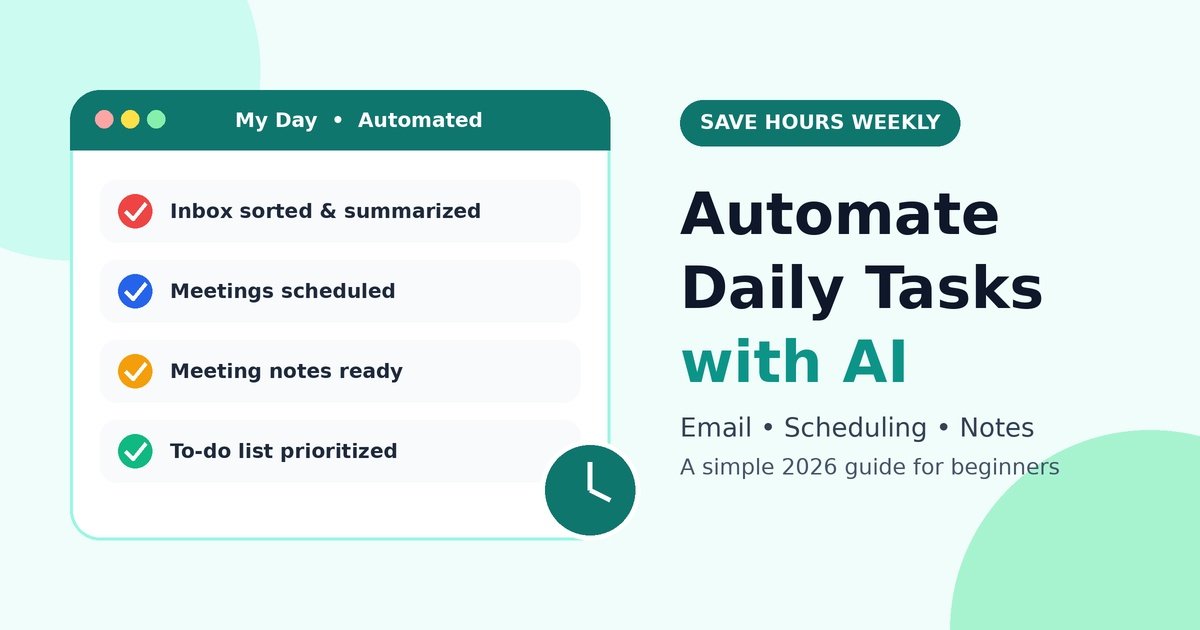
Be honest: how much of your day goes to work that doesn’t move anything forward? Sorting email, hunting for a meeting slot, typing up notes, rewriting the same to-do list again. These small jobs quietly eat hours.
The good news is that you can now automate daily tasks with AI without writing any code. This guide shows simple, practical ways to hand off the boring stuff so you can focus on work that needs you.
Why Automating Daily Tasks Matters in 2026
AI is no longer a novelty. Search engines show AI Overviews at the top of results, and many searches end in zero clicks. People expect fast, direct answers, and that expectation has moved into our work lives too.
The smartest approach is to use AI productivity tools for repetitive jobs while keeping human judgment for decisions, relationships, and creativity. Think of AI as a capable assistant, not a replacement for you.
Email: The Biggest Time Sink
Reach Inbox Zero with AI
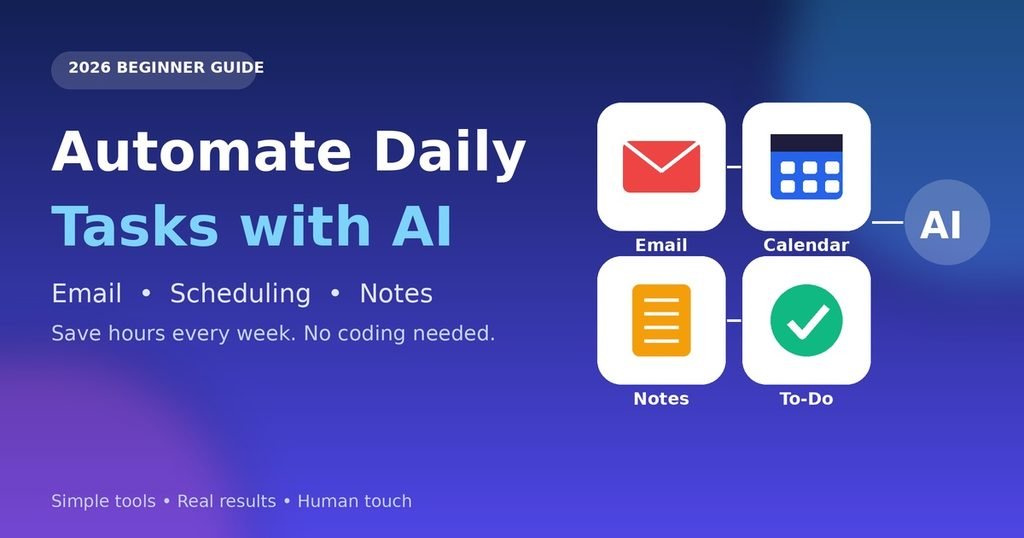
Email management with AI works best when AI sorts first and writes second. Try this:
- Use built-in thread summaries in Gmail or Outlook to read long chains in seconds.
- Set smart filters to separate urgent, FYI, and newsletter mail.
- Bulk-unsubscribe from anything you haven’t opened in a month.
- Check email in two fixed time blocks instead of all day.
This is the fastest way to reach inbox zero with AI without feeling buried.
Use an AI Email Writer Wisely
AI email automation shines for repeat questions. Say a freelancer gets “What are your rates?” ten times a week. Save a prompt like this:
“Write a friendly reply under 100 words, include my pricing link, and ask about their deadline.”
Paste the email, review the draft, add one personal line, and send. An AI email writer gets you 80% of the way there, but you should always make the final edit.
Smart Calendar Scheduling
Back-and-forth messages like “Does Tuesday work?” are a classic waste of time. An AI scheduling assistant fixes this by reading your calendar and offering only the slots that suit you.
Google Calendar AI features, booking-link tools, and planners like Reclaim or Motion can all help. Here is a simple setup:
- Add your working hours and time zone.
- Block daily focus time so meetings can’t swallow it.
- Share one booking link instead of proposing times manually.
- Let AI move low-priority tasks when your day changes.
Good smart calendar scheduling also protects your energy. Keep your hardest work in the hours when you think best.
AI Note-Taking Tools and Meeting Summaries
Nobody can listen closely and take perfect notes at once. AI note-taking tools solve that.
- Otter.ai meeting transcription records and transcribes calls in real time.
- Notion AI turns messy notes into clean summaries and action lists.
- AI meeting notes can pull out decisions, owners, and deadlines automatically.
Automatic meeting summaries are most useful when you send them within an hour of the call, while everyone still remembers the context. Always tell participants when a meeting is being recorded.
AI To-Do Lists and Time Management
Here is where ChatGPT for productivity earns its place. Each morning, dump everything on your mind into a chat and ask:
“Sort these into must-do, should-do, and can-wait. Estimate time for each and build a realistic schedule.”
You get an instant AI to-do list with priorities. For time management with AI, repeat the process at lunch to adjust for surprises. Notion AI can also turn meeting notes directly into task lists inside your workspace.
No-Code Automation: Connect Everything with Zapier
If you want true AI workflow automation, connect your apps. No-code automation tools let you build “when this happens, do that” flows with clicks, not code.
A beginner example of Zapier AI automation:
- Choose a trigger: a new email arrives with the label “Invoice.”
- Add an AI step that summarizes the email in two lines.
- Send the summary to a Notion database.
- Notify yourself in Slack or by email.
- Test it with three real emails before turning it on.
Start with one small flow. Once it works, you can build more of this AI task automation over time.
Best AI Tools for Daily Tasks: Quick Comparison
| Tool | Best For | Learning Curve | Typical Use |
|---|---|---|---|
| ChatGPT | Drafting, planning, brainstorming | Easy | Email replies, to-do lists |
| Notion AI | Notes and task organization | Easy–Medium | Summaries, action items |
| Otter.ai | Meeting transcription | Easy | Calls and interviews |
| Google Calendar AI | Scheduling | Easy | Booking, time blocks |
| Zapier | Connecting apps | Medium | Multi-step workflows |
Pricing and features change often, so check each tool’s current plans before you commit.
Pros and Cons of Automating with AI
Pros
- Saves hours every week on repetitive work
- Reduces missed follow-ups and forgotten tasks
- Makes meetings and notes easier to search later
- Most tools are beginner-friendly and low cost
Cons
- AI can make mistakes, so human review is needed
- Privacy risks if you paste sensitive data
- Too many tools can create new clutter
- Over-reliance may weaken your own writing and planning skills
Keep the Human Touch: E-E-A-T, GEO, and UX
If you publish content, 2026 rewards real experience. Google’s E-E-A-T principles favor writing based on firsthand knowledge, and generative engines tend to cite content that is clear, trustworthy, and genuinely useful. That is why human-written content still matters.
Use AI for your first draft or research, then add your own examples, opinions, and lessons. Keep your pages fast and easy to read, since good UX keeps people around. In a world of zero-click searches, being the helpful, human voice is your edge.
Frequently Asked Questions
1. Can beginners automate daily tasks with AI?
Yes. Start with one task, like email summaries, and add more as you get comfortable.
2. What is the easiest task to automate first?
Email sorting and meeting scheduling are the simplest, with the fastest payoff.
3. Is AI email automation safe?
It is safe if you avoid sharing sensitive data and review every message before sending.
4. How much time can I really save?
It depends on your workload, but many people save several hours weekly by automating repetitive tasks.
5. Do I need coding skills?
No. No-code tools like Zapier are built for non-technical users.
6. Are AI meeting notes accurate?
They are usually good, but accents, noise, and jargon can cause errors. Skim before sharing.
7. Is it legal to record meetings with AI?
Rules vary by location. Always get consent from participants first.
8. Can AI replace a human assistant?
Not fully. It handles routine tasks, but people are better at judgment and relationships.
9. Which is better, Notion AI or ChatGPT?
Notion AI suits notes inside your workspace, while ChatGPT is more flexible for drafting and planning.
10. Will AI-generated content rank in search?
Helpful, original content can rank, but pure copy-paste output rarely stands out. Add real expertise.



A WordPress Commenter
Hi, this is a comment.
To get started with moderating, editing, and deleting comments, please visit the Comments screen in the dashboard.
Commenter avatars come from Gravatar.