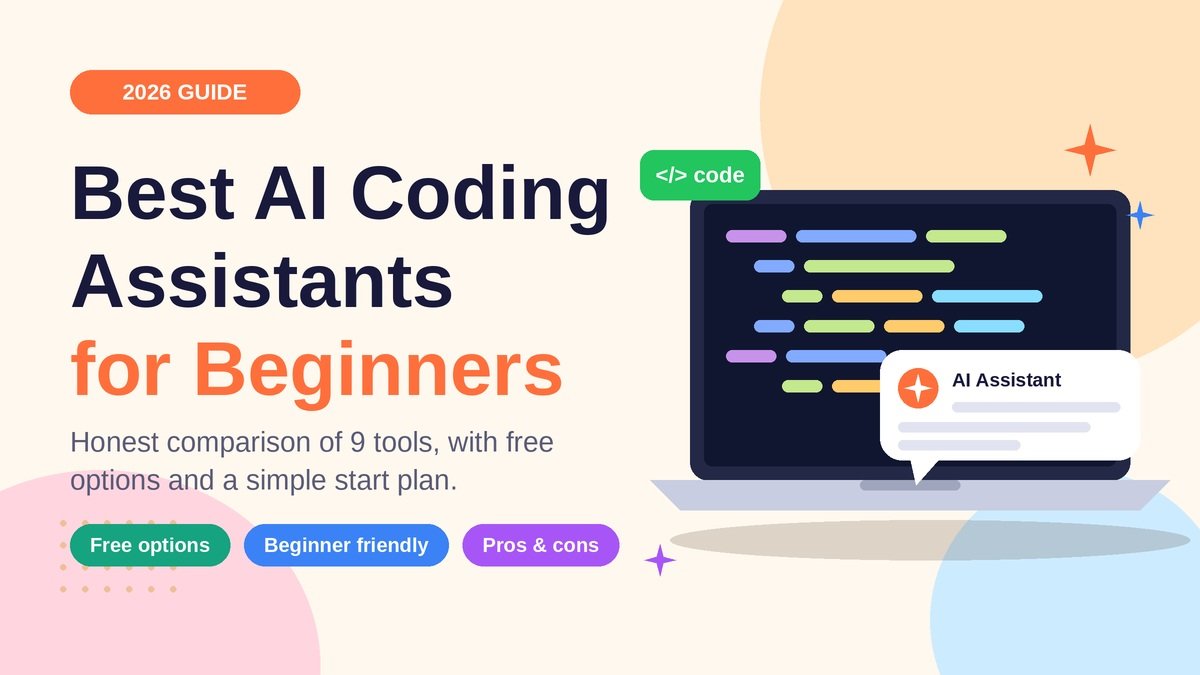
You open a code editor for the first time and stare at a blinking cursor. Where do you even start? A few years ago, that moment meant hours of digging through forums. Today, an AI programming assistant can explain an error, suggest your next line, or turn a plain-English sentence into working code.
But there are dozens of tools, and not all of them are friendly to newcomers. In this guide, I compare the best AI coding assistants for beginners in 2026, explain who each one suits, and show you how to use them without becoming someone who only copies and pastes.
Quick Answer: Which Tool Should You Pick?
If you want the short version: GitHub Copilot or Cursor AI are great inside an editor, ChatGPT is the most patient explainer, and Replit AI is the easiest if you want zero setup. All of them offer some kind of free AI coding assistant option, so you can test before you pay.
Why Beginners Should Use an AI Code Assistant
An AI code assistant for beginners works like a tutor that never gets tired. Used well, it can:
- Explain confusing error messages in simple words
- Show you different ways to solve the same problem
- Help you get unstuck in minutes instead of hours
- Make small projects feel achievable, which keeps you motivated
The keyword is used well. We will cover that later.
What to Look for in AI Tools to Learn Coding
Before picking from the best AI coding tools for beginners, check these five things:
- Explanations: Can it tell you why the code works, not just give you code?
- Easy setup: Do you need to install ten things first?
- Free plan: Is there a free tier so you can experiment?
- Project awareness: Can it see your files, or only the snippet you paste?
- Learning resources: Are there plenty of tutorials and community answers?
Top AI Coding Assistants Compared
| Tool | Best For | Free Option | Beginner Difficulty |
|---|---|---|---|
| GitHub Copilot | Learning inside VS Code | Yes (limited) | Easy |
| Cursor AI | Editing whole projects | Yes (limited) | Medium |
| Claude Code | Deep help from the terminal | No (paid plan or API) | Harder |
| ChatGPT | Concept explanations | Yes | Very easy |
| Gemini Code Assist | Free editor help | Yes | Easy |
| Replit AI | No-setup browser coding | Yes (limited) | Very easy |
| Windsurf | AI-first editing | Yes (limited) | Medium |
| Tabnine | Privacy-focused completion | Limited | Easy |
| Amazon Q Developer | AWS projects | Yes | Medium |
Plans and limits change often, so always check each official pricing page before you decide.
Detailed Reviews: Pros and Cons
1. GitHub Copilot
Copilot lives inside editors like VS Code and suggests code as you type. It also has a chat panel to explain code.
- Pros: Smooth editor experience, huge amount of tutorials
- Cons: Easy to accept suggestions without understanding them; free usage has limits
2. Cursor AI
Cursor is an AI-first code editor. You can ask questions about your whole project and request edits across files.
- Pros: Understands project context, great for building small apps
- Cons: Can feel overwhelming, and big automatic changes are tempting to accept blindly
3. Claude Code
Claude Code is an agent that runs in your terminal, reads your project, and makes changes on request. It is strong at reasoning and explaining.
- Pros: Excellent for understanding bigger codebases and debugging
- Cons: Terminal-based, so it can feel intimidating on day one; needs a paid plan or API access
4. ChatGPT for Coding
ChatGPT for coding works as a chat tutor. Paste your error, ask “explain it like I’m new,” and it will walk you through it.
- Pros: Free tier, very patient, great for learning concepts
- Cons: Does not automatically see your project, so you copy and paste between windows
5. Google Gemini Code Assist
Google’s assistant works in popular editors and offers a free individual option.
- Pros: Budget-friendly, solid code completion and chat
- Cons: Fewer beginner tutorials than Copilot
6. Replit AI
Replit runs in your browser, so there is nothing to install. You write, run, and share code in one place.
- Pros: Zero setup, instant results, very motivating
- Cons: It can build things for you so fast that you skip learning
7. Windsurf
Windsurf is another AI-first editor with an agent that can plan and edit code with you.
- Pros: Clean interface, helpful step-by-step flow
- Cons: Still evolving, with fewer community guides
8. Tabnine
Tabnine focuses on code completion with a strong privacy angle.
- Pros: Works in many editors, privacy-conscious
- Cons: Less beginner-friendly chat; best features are paid
9. Amazon Q Developer
Amazon Q Developer shines when you work with AWS cloud services.
- Pros: Free tier, great for cloud projects
- Cons: Overkill if you are just learning basic Python or JavaScript
Best Free AI Coding Assistant Options
On a zero budget, start with these:
- ChatGPT free tier for explanations
- Gemini Code Assist for editor help
- Replit AI starter plan for quick experiments
- GitHub Copilot free tier for VS Code
Mix one chat tool with one editor tool and you already have a solid AI pair programmer for beginners.
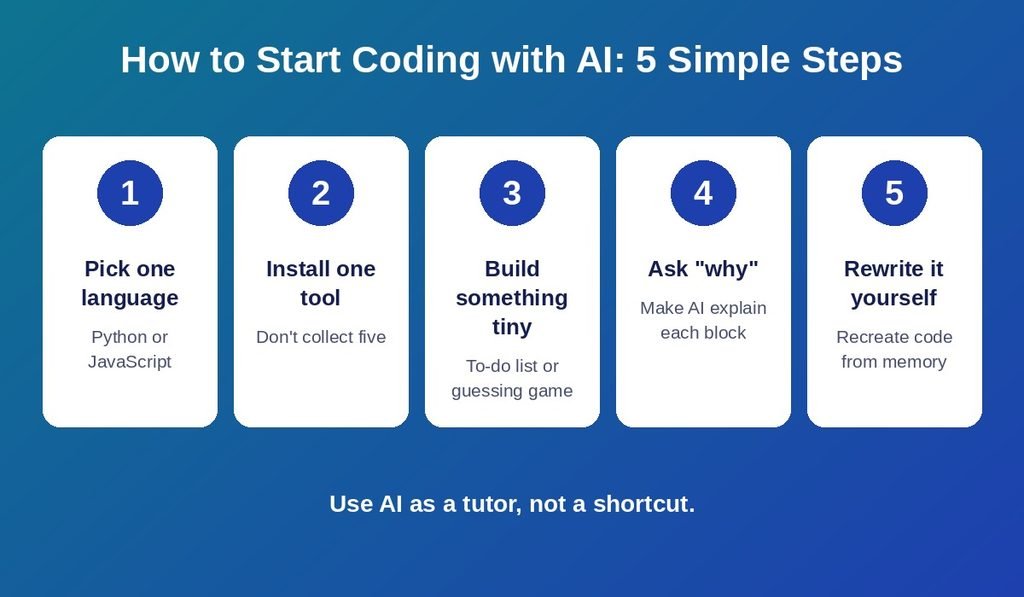
How to Get Started: A Simple 5-Step Plan
- Pick one language. Python or JavaScript is a friendly start.
- Install one tool. Do not collect five assistants at once.
- Build something tiny, like a to-do list or a number guessing game.
- Ask “why,” not just “how.” Request an explanation of every block it writes.
- Rewrite it yourself. Close the AI and recreate the code from memory.
Example prompt: “I’m a beginner. Write a Python function that checks if a number is even, then explain each line.”
Common Beginner Mistakes to Avoid
- Copying code you cannot explain
- Trusting every answer (AI can be confidently wrong)
- Pasting passwords, API keys, or private data into a chat
- Skipping the basics like variables, loops, and functions
A good rule: if you cannot explain a line, ask the AI to teach it, then write it again yourself.
2026 Trends Worth Knowing
The best AI code generator tools are becoming “agents” that plan, write, and test code across files. “Vibe coding” is popular, but beginners still need fundamentals to spot bad output.
Also, search itself has changed. AI Overviews often answer questions at the top of Google, and many searches end with zero clicks. That is why trustworthy, experience-based, human-written content matters more now. Google’s E-E-A-T idea (experience, expertise, authoritativeness, trust) rewards guides that are honest about trade-offs. When you read any “top AI coding assistants” list, check whether the author explains limits, not just features. Generative engine optimization (GEO) also favors clear answers, which is why I put a quick answer near the top.
Frequently Asked Questions
1. What is the best AI for coding beginners? ChatGPT and Replit AI are the easiest starting points. Copilot is a great next step once you use VS Code.
2. Is there a free AI coding assistant? Yes. ChatGPT, Gemini Code Assist, Amazon Q Developer, and limited tiers of Copilot, Cursor, and Replit are free.
3. Can AI teach me to code from scratch? It can explain and guide you, but you still need to practice. Pair it with a structured course.
4. Is GitHub Copilot good for beginners? Yes, if you read its suggestions carefully and ask it to explain them.
5. Is Cursor AI too advanced for beginners? Not necessarily. Start with small projects and review every change.
6. Is Claude Code beginner-friendly? It is powerful, but the terminal can feel tricky. Try it after you know basic commands.
7. Which AI is best for learning Python? ChatGPT for explanations and Replit for running code instantly work very well.
8. Will AI replace beginner programmers? Unlikely. Developers who understand code and use AI well are in demand.
9. Is it safe to rely on AI for coding? Use it as a helper, not a replacement. Test everything and never share secrets.
10. Can I use more than one AI coding tool? Yes, but keep it to two at most, one chat tool and one editor tool.